Start the alert wizard to add a new alert as described in Managing alerts.
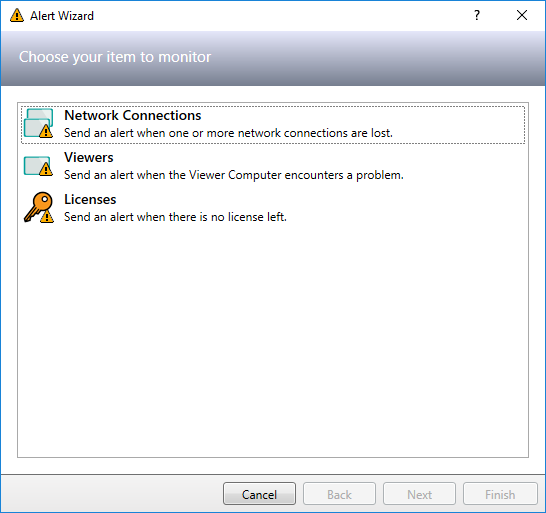
Select Viewers as the item to monitor and click Next to continue.
Select the Viewers you want to be monitored and click Next to continue.
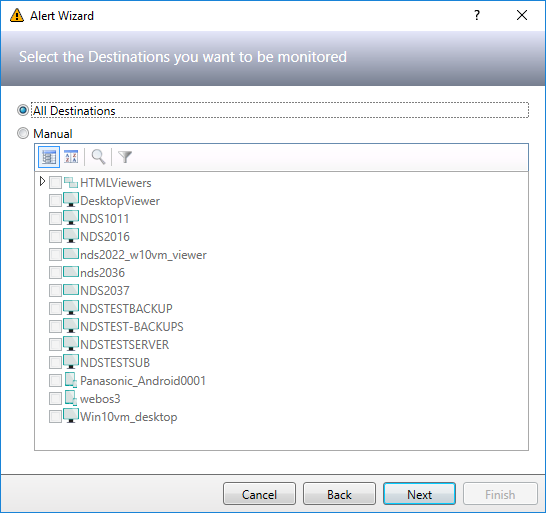
If you select a Viewer group then all Viewers that are part of this group will be monitored.
Please note that only PADS4 Viewers and no PADS4 Desktop Viewers or HTML Viewers can be monitored.
Specify the Viewers alert specific settings and click Next to continue.
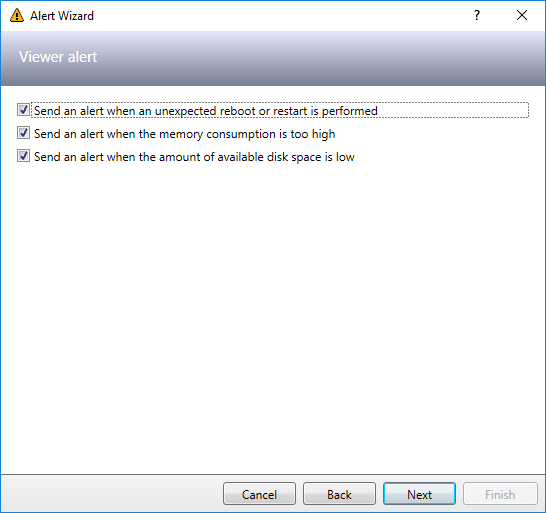
The alert for memory consumption will be raised when the memory usage exceeds 93% of the available memory.
The alert for available disk space will be raised when there is less than 250 MB of disk space left.
Finish the wizard to add the alert as described in Managing alerts.